 English
 Português
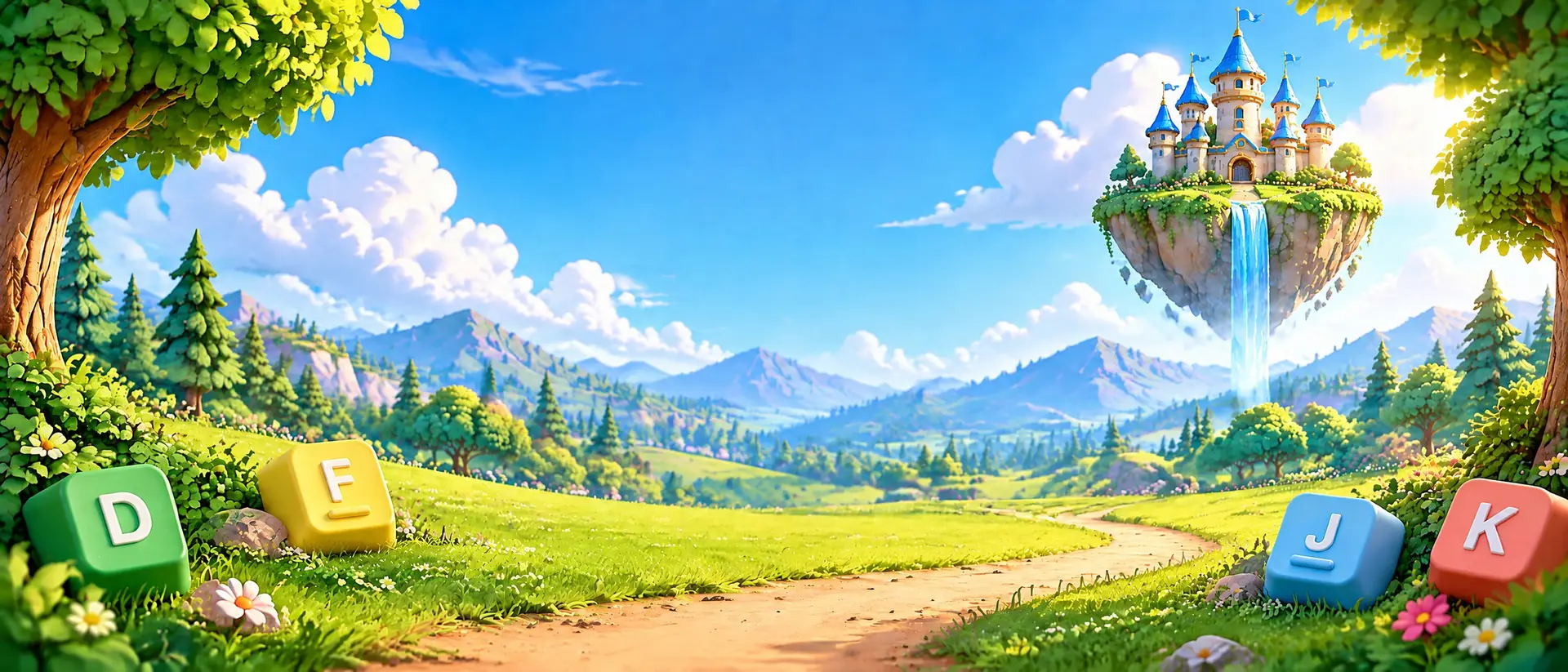





Learning to type can be an adventure
A girl and her puppy explore the forest. Each word you type helps them move forward.
Typistia is a typing game in development for children, families, and schools. Only a free 3-minute demo is available today. It offers a short introduction to typing through play.
See how it works Explore the worlds
The demo is currently in European Portuguese and uses a Portuguese keyboard. Versions for other languages are planned.
Type your way through the forest
In Typistia, typing controls the action. Each correct letter moves the girl along the forest path, and completing a word lets her jump over an obstacle.
The puppy travels beside her. The player follows the word on the screen and finds the next key.
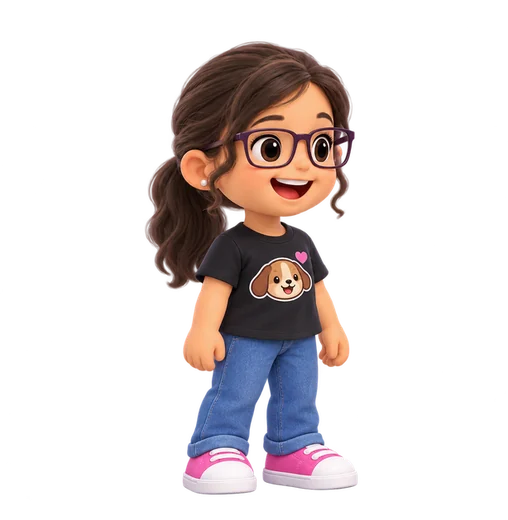
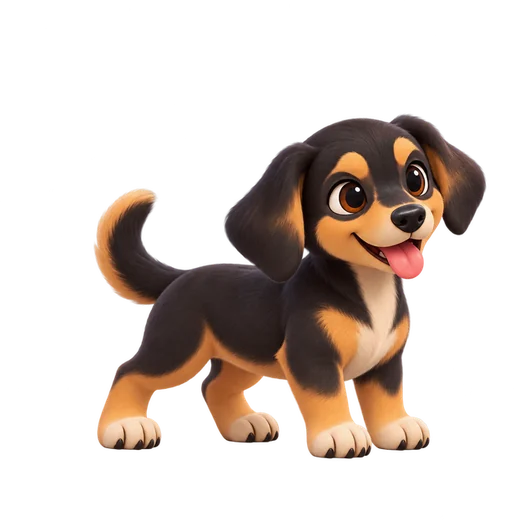
Each correct key moves the adventure forward
The demo has four phases that open one by one: the middle row, top row, bottom row, and all keys. Words appear one at a time, starting short and getting longer. Each correct letter moves the girl a step forward. Complete a word and she jumps over the creature ahead. The thorny seed and hopping stone appear in the demo; the other creatures below are artwork from the game in development.
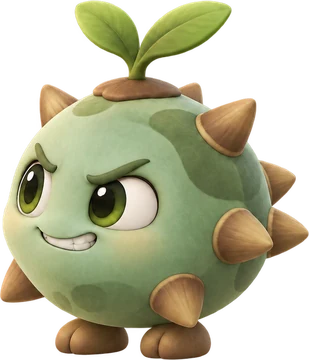 Thorny seedA small creature that hides in the ground. In the demo, completing the word clears the way.
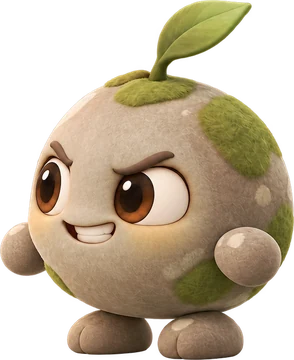 Hopping stoneA bouncing creature on the path. In the demo, completing the word clears the way.
 Leaf jumperA leafy creature shown here from the game in development.
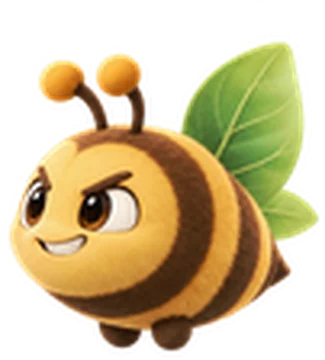 Buzzing leafA flying creature shown here from the game in development.
The demo is currently in European Portuguese and uses a Portuguese keyboard. Versions for other languages are planned.
The demo is designed for a physical keyboard. You can tap the on-screen keys on a phone or tablet, but this is limited. A computer is preferable; on a phone, use landscape view.
A look at the game in development
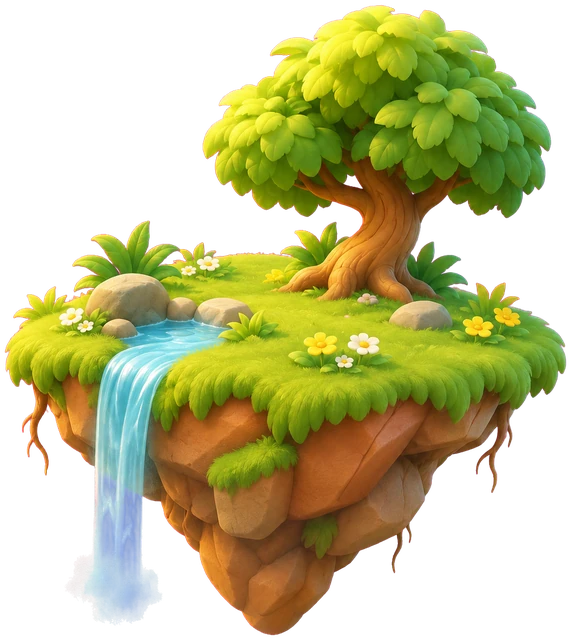
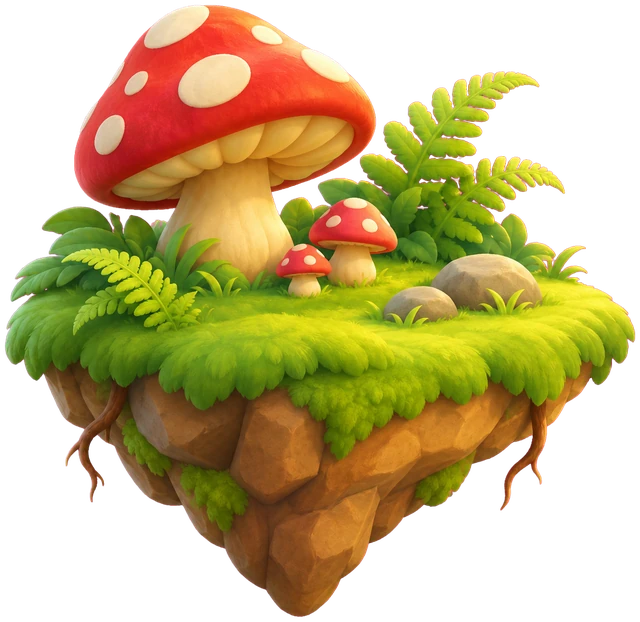
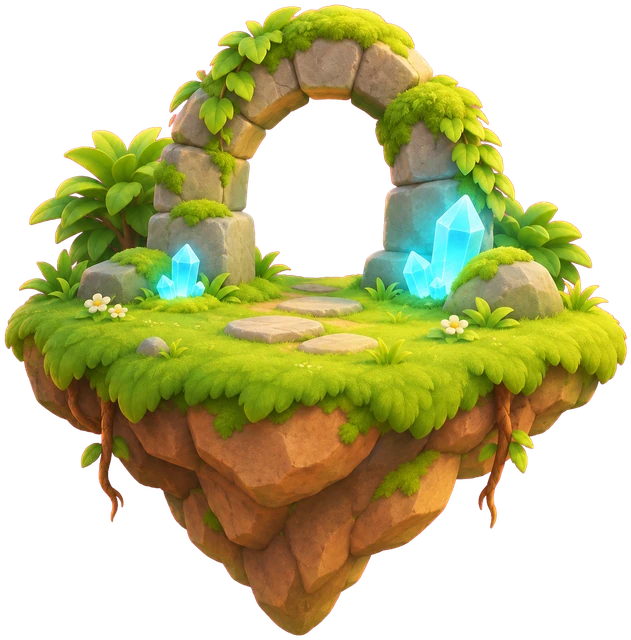
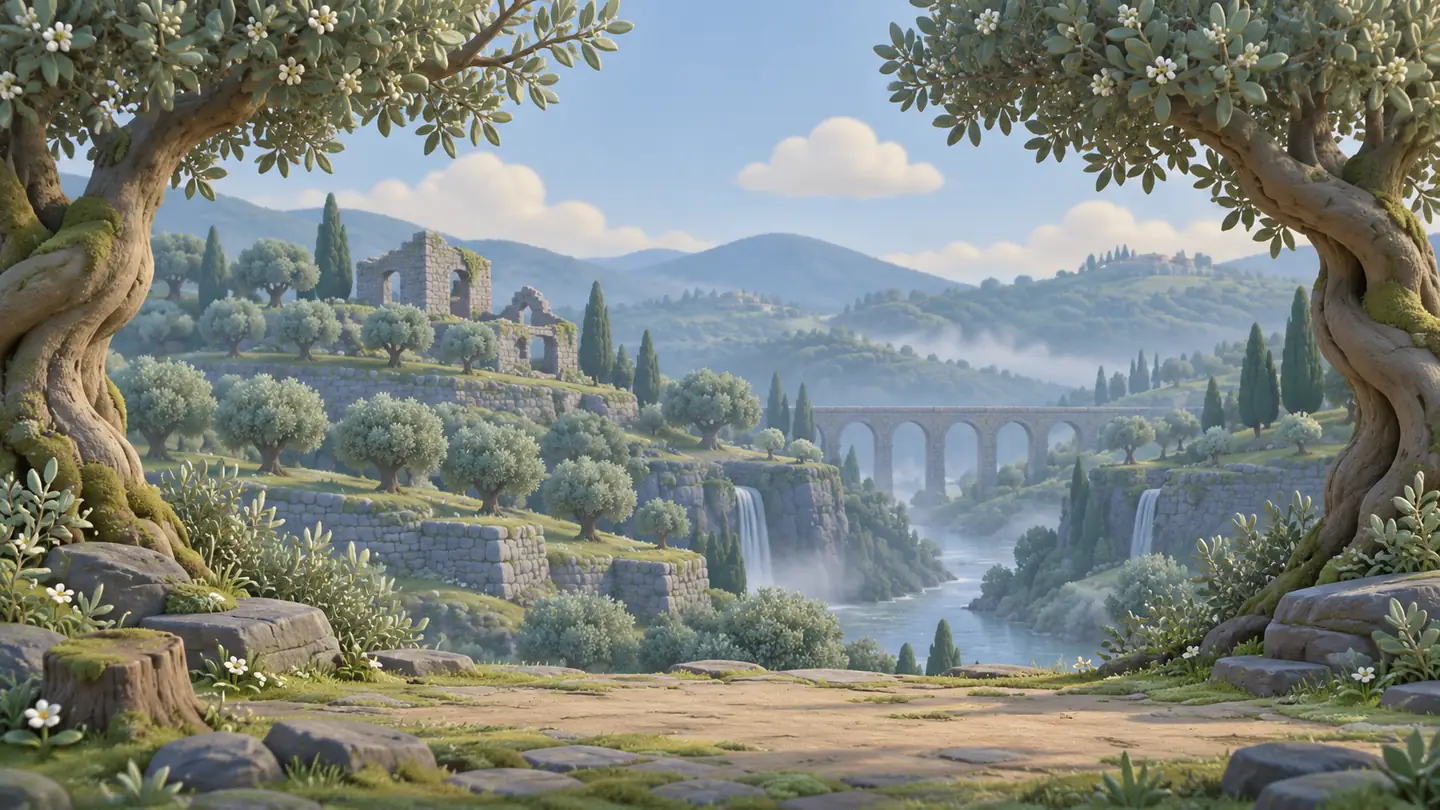
These images show forest settings from the game in development. The free demo has four phases that open in order: middle row, top row, bottom row, and all keys. The full game is not available, and these images do not represent additional playable content.
 The forest trail
 The sunset grove (shown in the demo)
 The misty valley
 The flower garden
 The forest bridge (shown in the demo)
 The forest heart (shown in the demo)
One key at a time
A finger for each key
The demo keyboard uses colors to show which finger to use. The next key lights up.
Room to try again
There are no lives or punishments. A wrong key is a chance to try again.
From short words to longer ones
Words start short and get longer as the demo moves through the three letter rows.
Schools and families
No account or tracking in the demo
The demo asks for no personal data, uses no cookies or analytics, and stores nothing on the device.
A Portuguese demo for now
The demo uses European Portuguese words and a Portuguese keyboard.
In development
Only the free 3-minute demo is available. The full game is still in development.
Frequently asked questions
What keyboard does the demo use?
The demo uses a Portuguese keyboard and European Portuguese words. Versions for other languages are planned.
Is the full game available?
The full game is still in development. Only the free 3-minute demo is available today.
Does the demo have lives or punishments?
No. If a child presses the wrong key, they can try again without losing anything.
Does the demo collect data about children?
It requires no account, uses no cookies or analytics, and stores nothing on the device.
What is touch typing?
Touch typing means using assigned fingers to type without looking at the keyboard.
Contact: [email protected]
Ready to try the demo?
The free demo runs in your browser for 3 minutes. It is a small sample of a game still in development.
The demo is currently in European Portuguese and uses a Portuguese keyboard. Versions for other languages are planned.
The demo is designed for a physical keyboard. You can tap the on-screen keys on a phone or tablet, but this is limited. A computer is preferable; on a phone, use landscape view.
The demo does not have a public address yet.